
Introduction
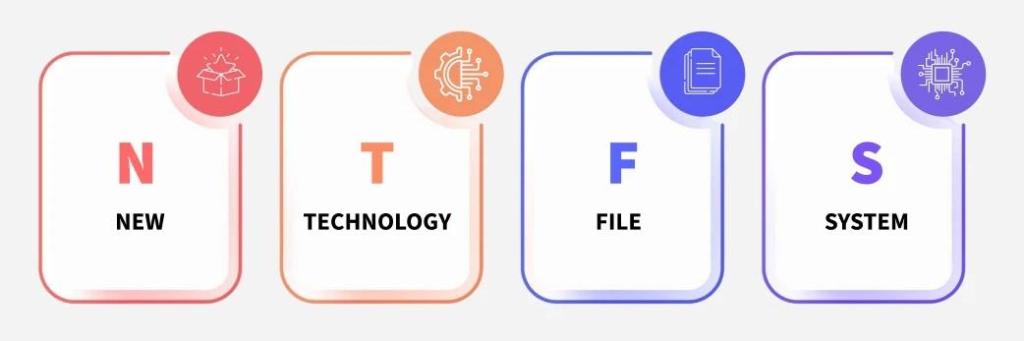
NTFS is the current file system for Windows-based OS that was developed by Microsoft. Released in 1993, NTFS was created to address issues with the FAT filesystem (Hassan, 2017). NTFS provides scalability, stability, and support for large storage devices (Carrier, 2005). This article goes over the basics of the NTFS and why it’s used today.
Everything is a File
Important data is allocated to files. This includes administrative files that are usually hidden in other file systems. System files that make NTFS work start with ‘$’. We’ll go over these in more detail later.
Journaling
Journaling helps to keep track of all the changes that happen in NTFS. It will help correct inconsistencies if the system crashes. In a later blog post, we’ll go over the importance of the $LogFile and $UsnJrnl files.
Master File Table (MFT)
The MFT is a database that tracks objects (files, folders, volumes) that are on a NTFS volume. Each object has a FILE record that contains attributes with data and metadata. Each record is 1 KB. Small files might have their data in the record, while big files will have pointers to clusters where the data is located.
Our next post will go in more detail into the MFT and the different files in it.
Data Permissions
NTFS is an upgrade in data security from FAT32. Access to files and folders is based on the user account and groups (Lenovo US, 2023). This makes NTFS a great option for enterprise systems in preventing unauthorized access.
NTFS Drawbacks
NTFS isn’t perfect. The main drawback is that it is not compatible with a lot of systems. You will only find NTFS on Windows 2000 and later systems. MacOS and Andriod systems needs special drivers in order to write to NTFS (Mesevage, T. G 2025).
If you run into a removable device, it’s likely to have FAT32 as the file system. We will talk more about the FAT file system in a later blog post.
References (APA style)
- Carrier, B. (2005). File system forensic analysis. http://www.gbv.de/dms/hebis-darmstadt/toc/127861076.pdf
- Hassan, N. A., & Hijazi, R. (2016). Data hiding under Windows® OS file structure. In Elsevier eBooks (pp. 97–132). https://doi.org/10.1016/b978-0-12-804449-0.00004-x
- Mesevage, T. G. (2025, September 24). NTFS vs. FAT32: Which is better? Datto. https://www.datto.com/blog/fat-vs-ntfs-which-is-better/
- Unlocking the Secrets of NTFS: A comprehensive guide | Lenovo US. (2023, May 28). https://www.lenovo.com/us/en/glossary/what-is-ntfs/?
 Ben Kixmiller's DFIR Website
Leave a comment