
Introduction
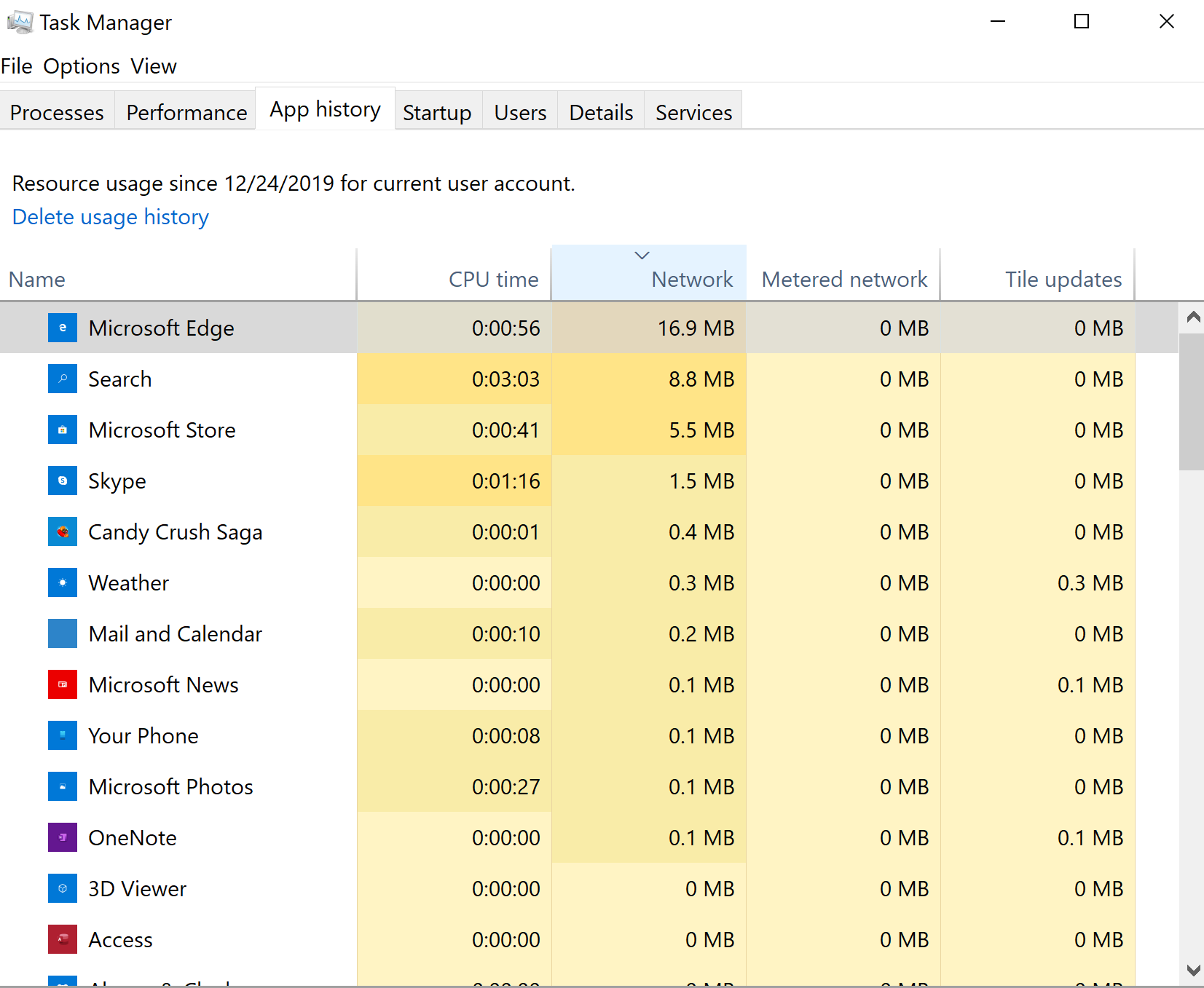
System Resource Utilization Monitor (SRUM) is a feature used to track system resource usage such as process and network metrics in a database. Most of the SRUM is not available to the end user. The ‘App History’ section in the Task Manager will show some of the SRUM.
The SRUM is integrated into the Diagnostic Policy Service (DPS). DPS enables problem detection, troubleshooting, and resolution for Windows components according to Microsoft. DPS is on by default and starts when the system is started.
Forensic Value
The SRUM shows past system usage on a computer and links process, user, and network activity together.
Data
Information collected by the SRUM includes:
- Process details
- User details
- CPU cycles
- Network data sent or received by a particular process
Location
The SRUM database is usually found in C:\Windows\System32\sru\SRUDB.dat. The database is in the ESE format.
Demo
In-progress
Tools
Research Links
- Forensic implications of System Resource Usage Monitor (SRUM) data in Windows 8 – Yogesh Khatri
 Ben Kixmiller's DFIR Website
Leave a comment